
Smart home
Use Google Home with Happy's Lighting.
Control your Happy's Lights with Google Home. Use your voice or phone to turn them on/off and adjust brightness or patterns.
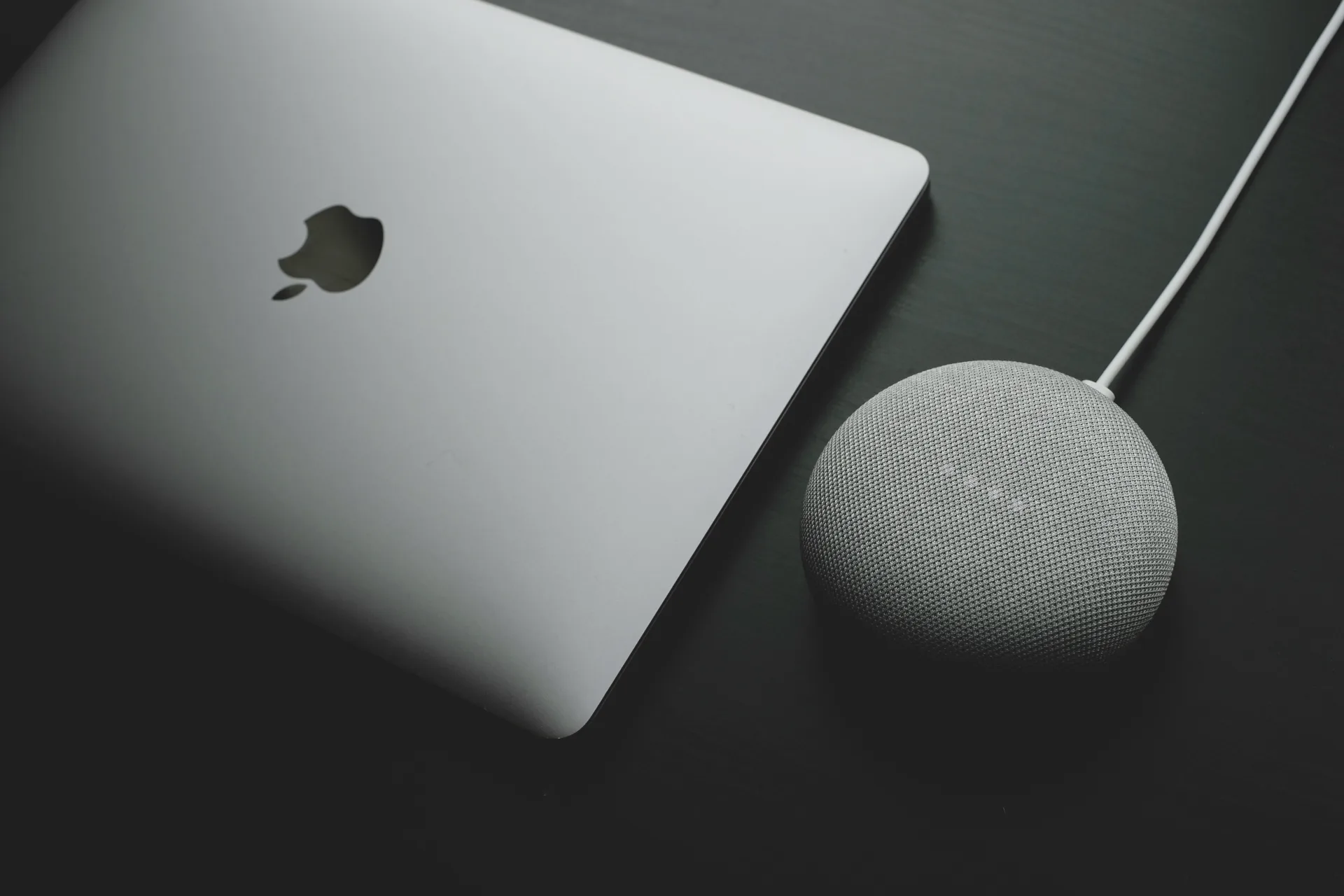
How to connect
- Open the Google Home app → + Add → Works with Google.
- Search for Happy's Lighting and sign in with your Happy's Cloud account.
- Assign each zone to a room.
- Say "Hey Google, turn on the roofline" or "Hey Google, dim the patio lights", and add zones to Routines and schedules.
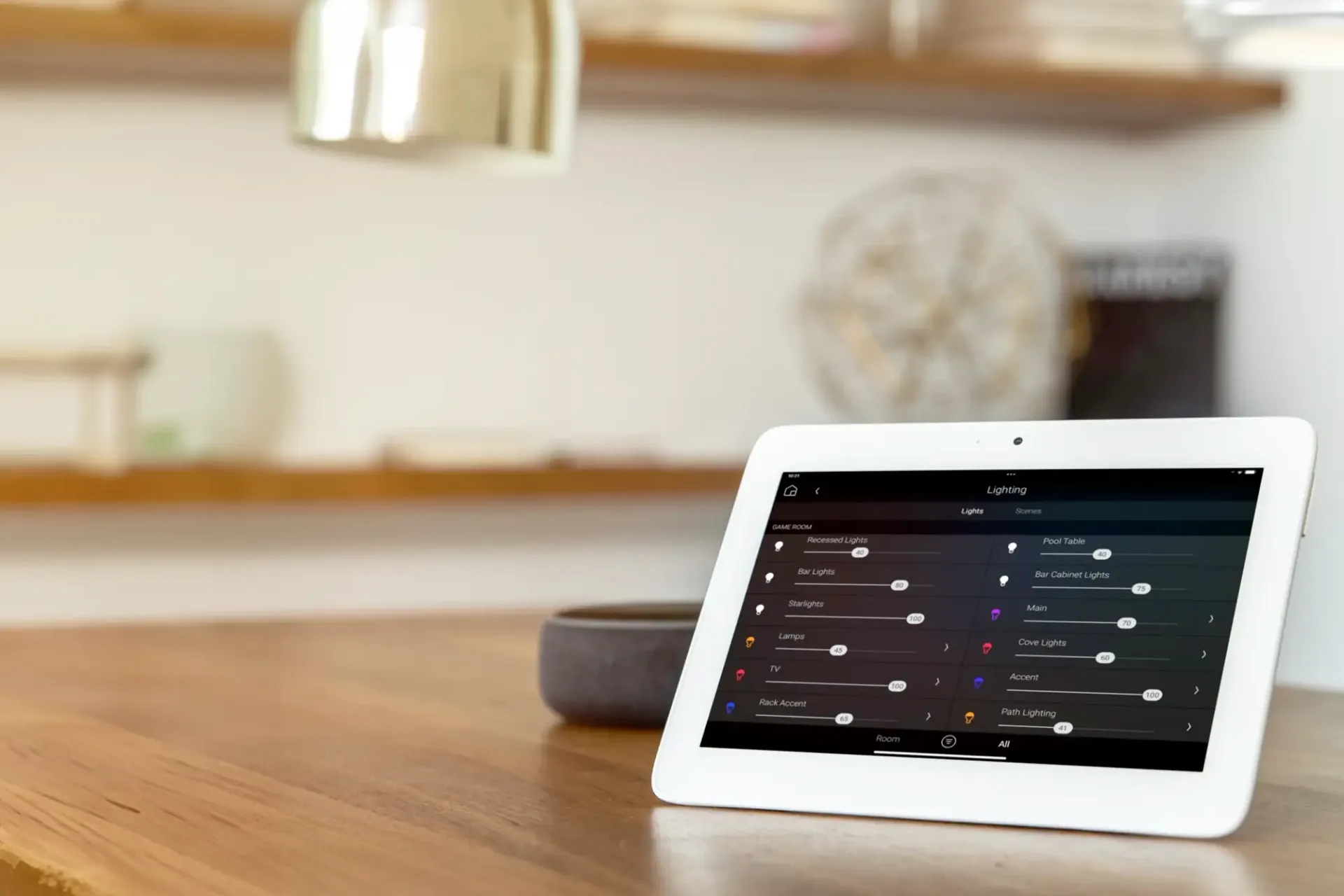
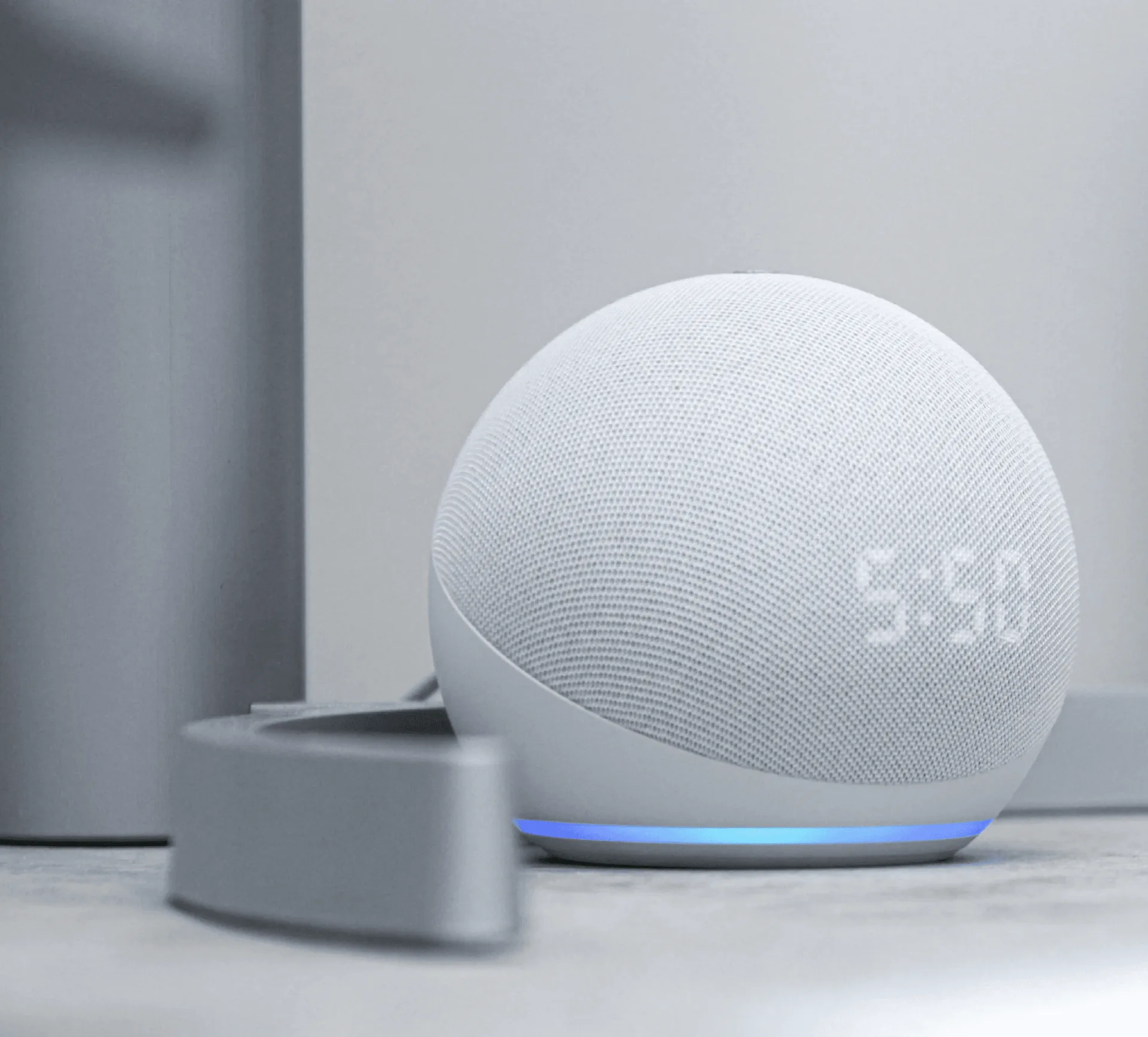
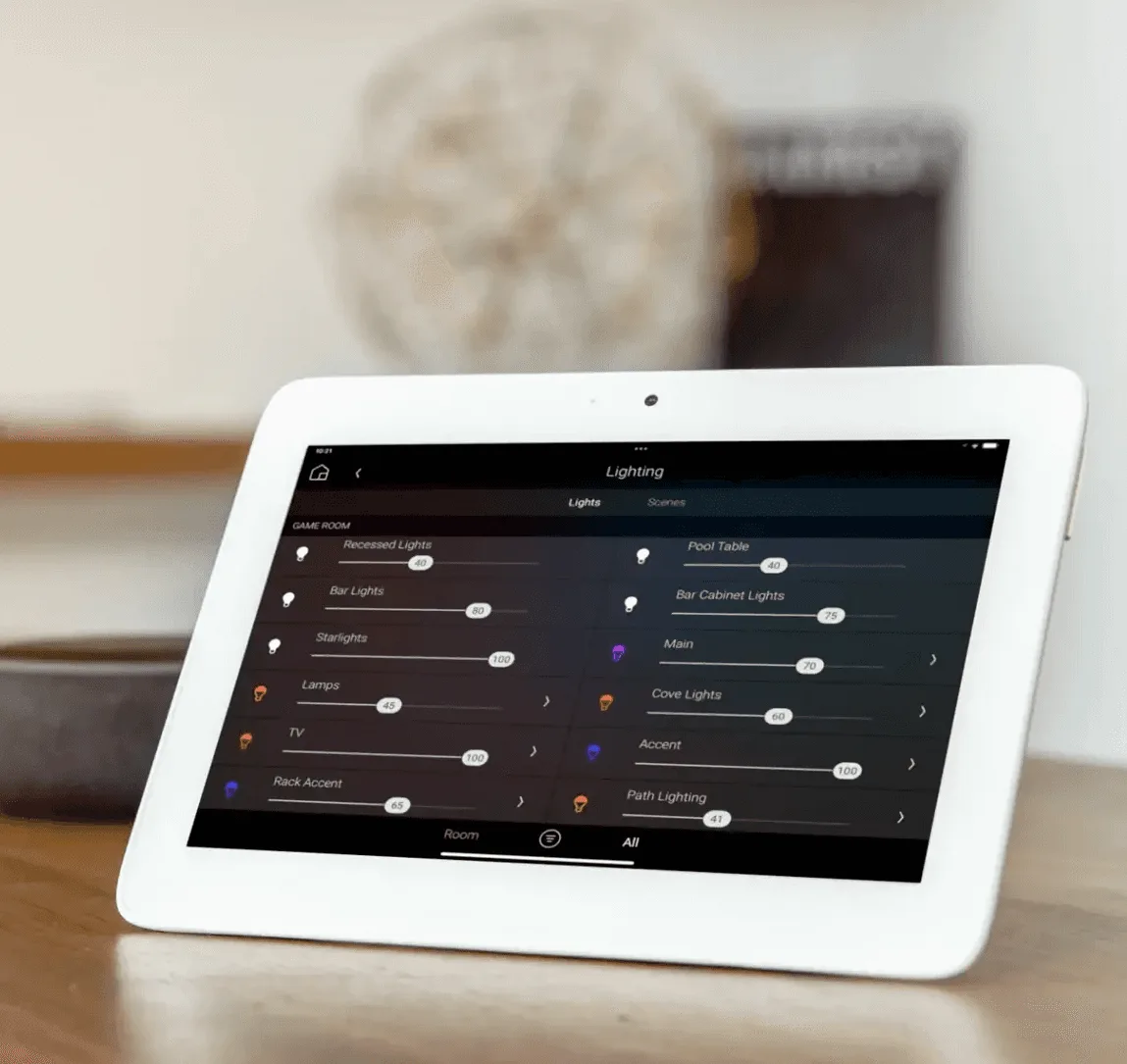
Get Happy's Lighting that works with Google Home.
Free on-site estimates across New Jersey, New York, Pennsylvania, Connecticut, Delaware, Maryland and Washington, DC.